PC Build by Processor in Nepal
Explore the best PC Build by Processor in Nepal 2026, featuring Intel Core and AMD Ryzen processors for budget users, gamers, content creators, professionals, and performance enthusiasts. Compare processor-based PC builds, compatible components, specifications, performance, and estimated prices in Nepal to find the right custom PC build for gaming, editing, programming, office work, and other demanding tasks.
(Be First to review)
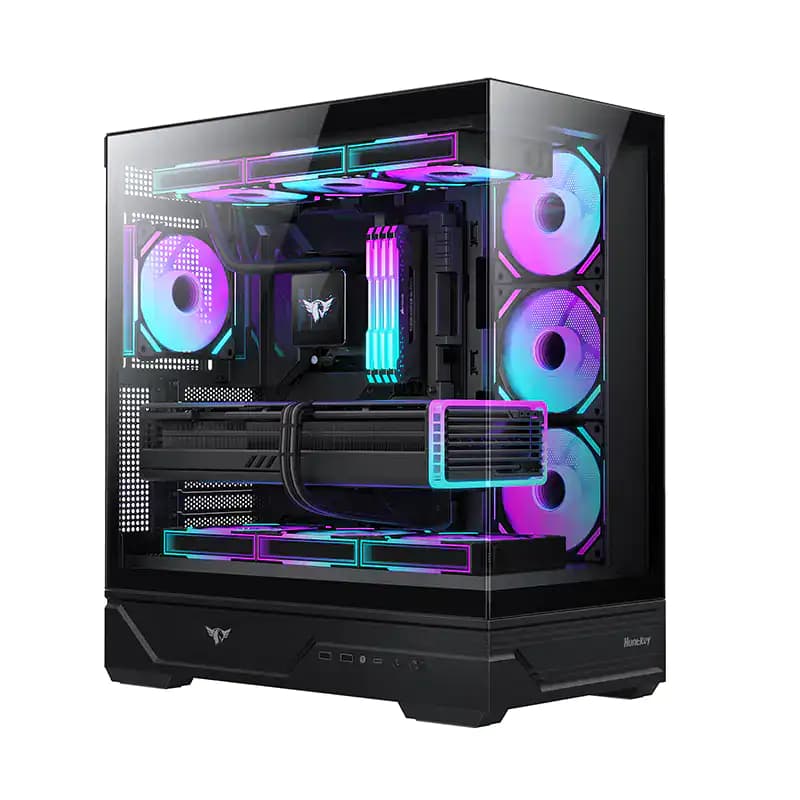
Best PC Build | Intel Core Ultra 7 265K | Gigabyte Z890 Eagle Wifi | 32GB DDR5 RAM | 1TB SSD | GX360r Blacktip shark liquid cooler | PNY RTX 5070 12GB | 750W Gold PSU | Huntkey Destiny gaming Case
Best PC Build (Ultra 7 265K) Price in NepalRs. 419,999
(Be First to review)
Best PC Build | AMD Ryzen 7 7800X3D | Gigabyte X870 Gaming Wifi | 32GB DDR5 RAM | 1TB SSD | GX360r Blacktip shark liquid cooler | PNY RTX 5070 12GB | 750W Gold PSU | Huntkey Destiny gaming Case
Best PC Build (Ryzen 7 X870MB) Price in NepalRs. 399,999
(Be First to review)
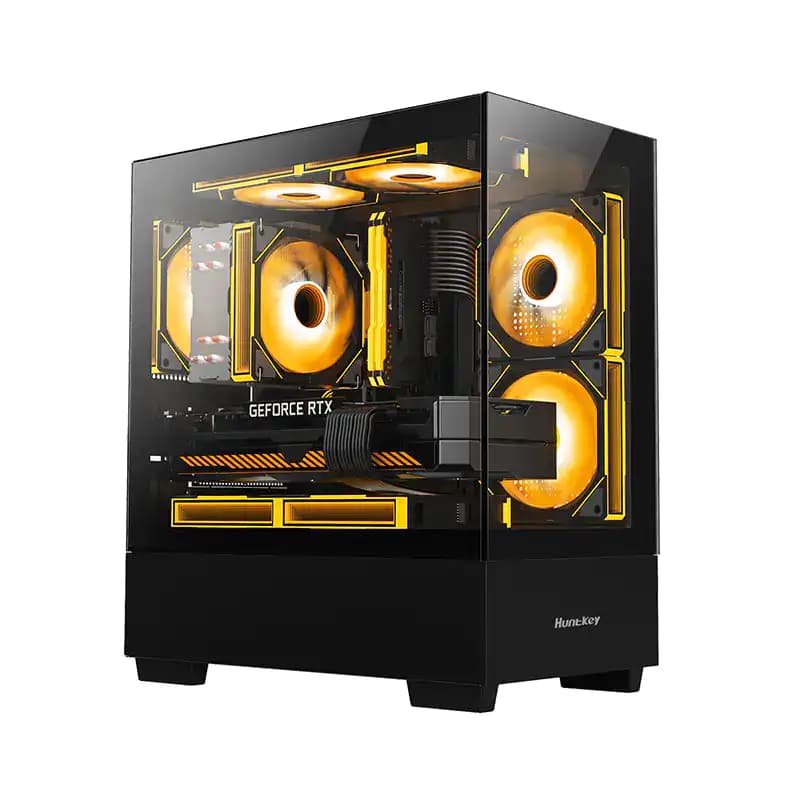
Best PC Build | intel Core i5-12400 | Gigabyte H610M | 16GB RAM | 512GB SSD | Frozen 200SE Air Cooler | 750W 80+ PSU | Huntkey G35 Gaming Case
Best PC Build (intel Core i5) with Monitor Price in NepalRs. 131,999
(Be First to review)
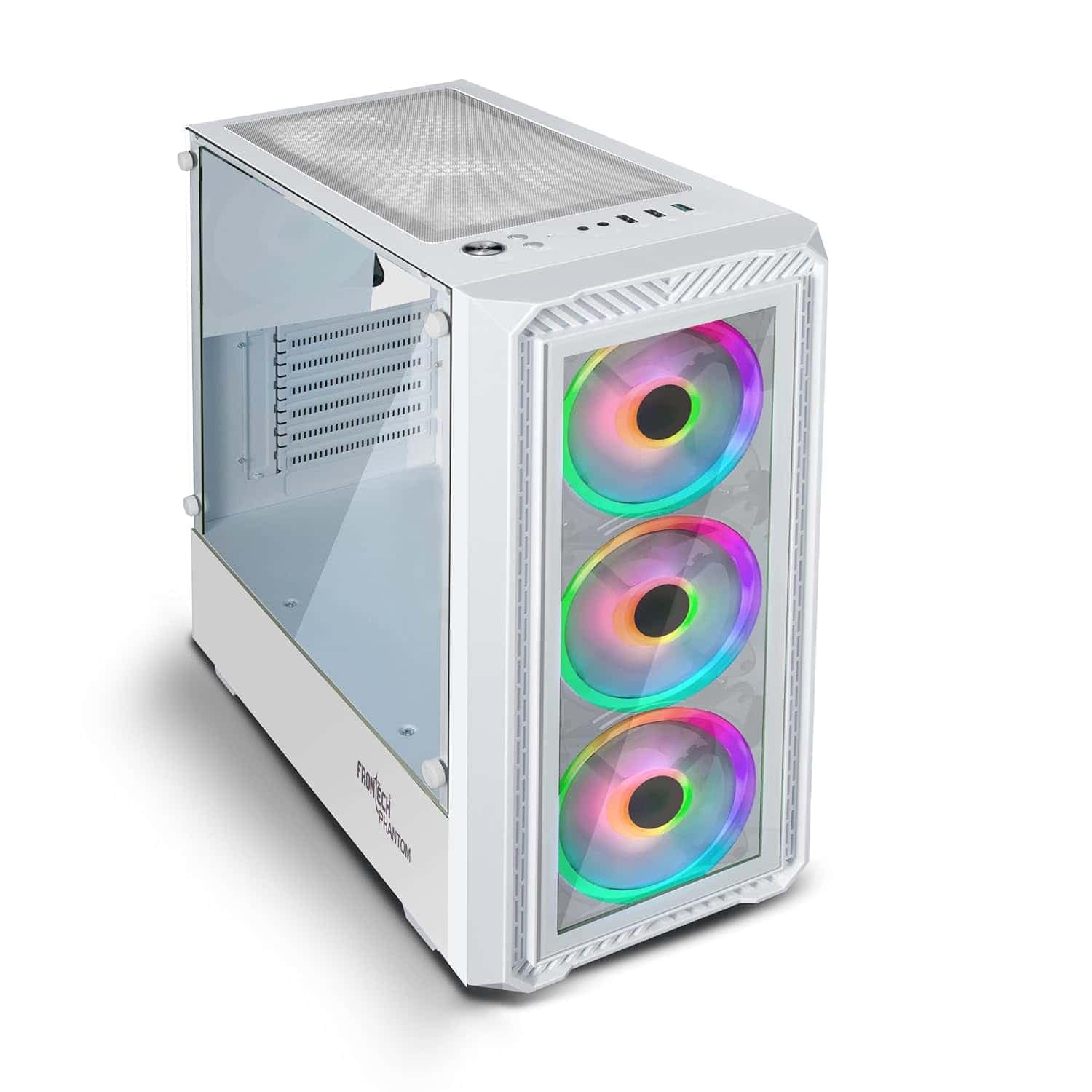
Best PC Build | AMD Ryzen 3 3200G | Gigabyte A520M K V2 | 8GB RAM | 2Fro56GB SSD | Frozen 200SE Air Cooler | 650W Bronze Powersupply | Frontech Phantom RGB Case
Best PC Build (Ryzen 3 Processor) with Monitor Price in NepalRs. 71,999
(Be First to review)
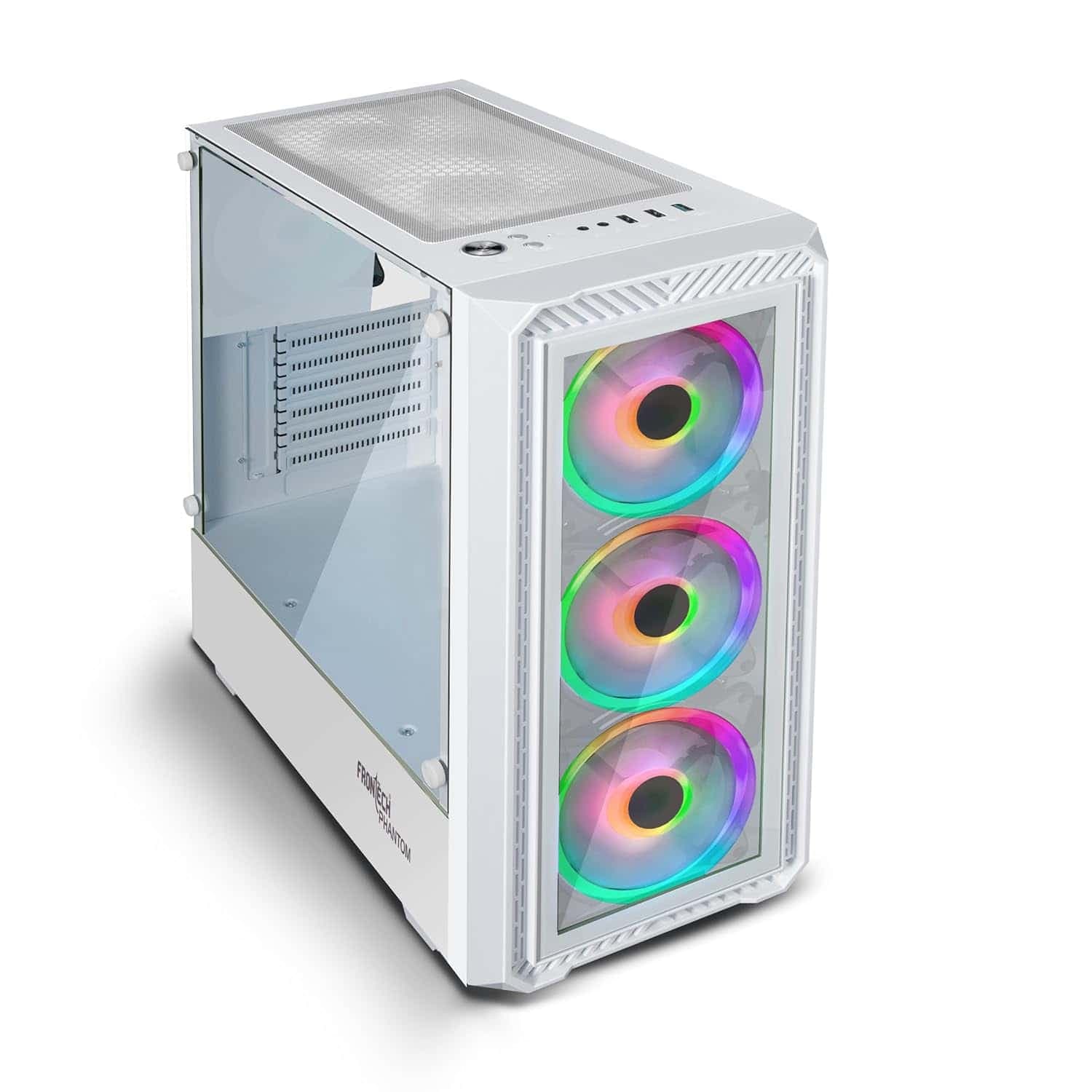
Best PC Build | AMD Ryzen 5 5600GT | Gigabyte A520M K V2 | 8GB RAM | 512GB SSD | Frozen 200SE Air Cooler | 650W Bronze Powersupply | Frontech Phantom RGB Case
Best PC BuilD (Ryzen 5 5600GT) Price in NepalRs. 83,999
(Be First to review)
Best PC Build | Intel Core i5-12400 | Gigabyte H610M | 16GB RAM | 512GB SSD | RTX 3050 8GB | Frozen 200SE Air Cooler | 750W 80+ PSU | Huntkey G35 Gaming Case
Best PC Build (Intel Core i5 12th) Price in NepalRs. 191,999
(Be First to review)
Best PC Build | AMD Ryzen 5 5600 | Gigabyte B550M K | 16GB RAM | 512GB SSD | PNY RTX 5050 8GB | Frozen 200SE Air Cooler | 750W 80+ PSU | Huntkey G35 Gaming Case
Best PC Build (Ryzen 5 Processor) Price in NepalRs. 191,999
(Be First to review)
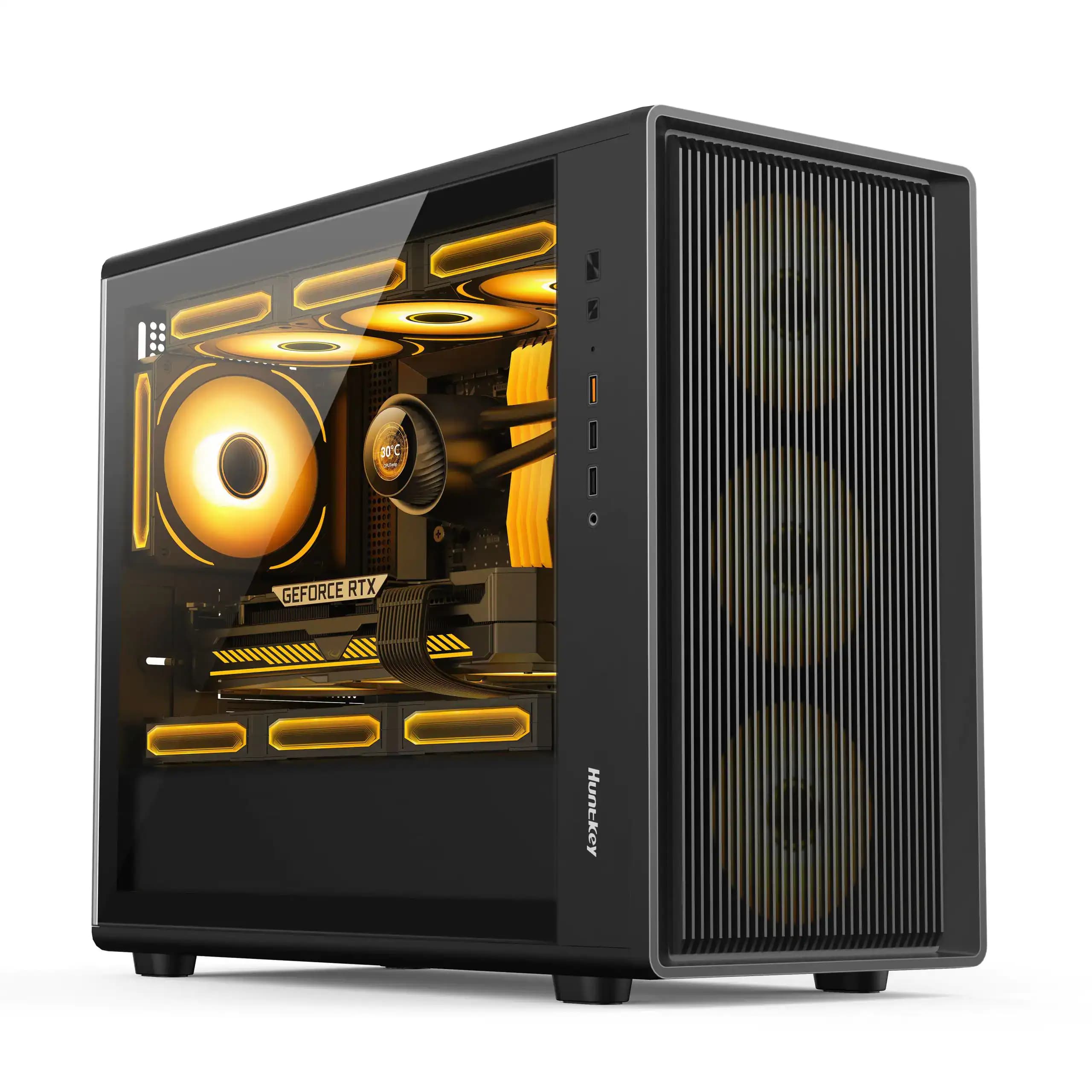
Best PC Build | Intel Core i5-12400 | Gigabyte B760M WiFi | 16GB RAM | 512GB SSD | RTX 3050 6GB | 240 Chroma Liquid Cooler | 750W 80+ PSU | Huntkey G35 Gaming Case
Best PC Build (Intel Core i5) Price in NepalRs. 191,999
(Be First to review)
Best PC Build | AMD Ryzen 7 5700 | Gigabyte B550M K| 16GB RAM | 512GB SSD | RTX 5060 8GB | 240 Chroma Liquid Cooler | 750W 80+ PSU | Huntkey G63 Gaming Case
Best PC Build (Ryzen 7 5700) Price in NepalRs. 191,999
(Be First to review)
Best PC Build | AMD Ryzen 5 5600 | Gigabyte B550M K | 16GB RAM | 512GB SSD | RTX 5050 8GB | Frozen 200SE Air Cooler | 750W 80+ PSU | Huntkey G35 Gaming Case
Best PC Build (AMD Ryzen 5 5600) Price in NepalRs. 161,999
(Be First to review)
Best PC Build | AMD Ryzen 5 5500 | Gigabyte A520M | 8GB RAM | 256GB SSD | RTX 3050 6GB | Frozen 200SE Air Cooler | 650W Bronze PSU | Frontech phantom Gaming Case
Best PC Build (Ryzen 5 5500) Price in NepalRs. 131,999
(Be First to review)
Best PC Build | AMD Ryzen 5 5500 | Gigabyte B550M K | 16GB RAM | 512GB SSD | RTX 3050 6GB | Frozen 200SE Air Cooler | 750W 80+ PSU | Huntkey G35 Gaming Case
Best PC Build (AMD Ryzen 5) Price in NepalRs. 131,999
Choosing the right processor is one of the most important decisions when building a new computer. Whether you are planning a gaming PC, office computer, editing workstation, programming PC, or high-end custom computer, the processor directly affects the overall performance and future upgrade potential of your system. For this reason, many buyers search for the best PC Build by Processor in Nepal before purchasing individual components.
In Nepal, AMD Ryzen and Intel Core processors are two of the most popular choices for custom PC builds. Both brands offer processors for different budgets and use cases, from affordable computers for students and office users to high-end gaming PCs and professional workstations. However, choosing between AMD and Intel is not only about selecting a processor. A good PC build must also include a suitable graphics card, motherboard, RAM, SSD, power supply, cooling system, and PC case.
AMD vs Intel: Which Processor Is Better for a PC Build in Nepal?
AMD and Intel both offer excellent processors, but the best option depends on your requirements and budget. AMD Ryzen processors are popular among gamers, content creators, streamers, and users who want strong multi-core performance. Intel Core processors are also widely preferred for gaming, productivity, programming, office work, and professional applications.
The actual performance of a processor depends on its generation and specific model. A newer AMD processor may outperform an older Intel CPU, while a newer Intel processor may perform better than an older Ryzen processor. Therefore, it is always important to compare the complete specifications rather than choosing a processor only by brand name.
For gaming, the graphics card is also extremely important. A powerful processor paired with a weak GPU may not provide the best gaming performance. Similarly, a high-end graphics card can be limited by an entry-level processor in some games and applications.
AMD PC Build Price in Nepal
AMD Ryzen processors are a popular choice for custom PC builds in Nepal because they offer excellent performance for gaming, multitasking, productivity, content creation, and demanding workloads. Depending on the processor and platform, AMD PC builds can range from affordable entry-level systems to premium high-end gaming and workstation computers.
AMD PC Build Category Approximate Price in Nepal Best For Budget AMD PC Build Rs. 60,000–120,000 Students, office work, casual gaming Mid-Range AMD Gaming PC Rs. 120,000–210,000 1080p gaming and productivity Performance AMD PC Build Rs. 215,000–360,000 High-refresh-rate gaming and editing High-End AMD PC Build Rs. 360,000+ 4K gaming, streaming, editing, and workstation use
Budget AMD PC Build
A budget AMD PC build is suitable for students, office users, casual gamers, and first-time PC buyers. Depending on the selected Ryzen processor and graphics card, this type of PC can handle daily productivity, web browsing, online classes, programming, and entry-level gaming.
Users should focus on getting a balanced combination of processor, RAM, SSD, and graphics card. An SSD is strongly recommended for faster boot times and improved system responsiveness.
Mid-Range AMD Gaming PC
A mid-range AMD gaming PC is ideal for users who want strong 1080p gaming performance while also using the computer for work, study, editing, and multitasking.
A suitable Ryzen processor paired with a capable dedicated graphics card can provide a smooth gaming experience in many modern titles. This price range is often one of the most popular choices for gaming PC buyers in Nepal because it offers a good balance between performance and cost.
Performance AMD PC Build
A performance-level AMD PC build is suitable for serious gamers, streamers, content creators, and video editors. These systems typically feature a powerful Ryzen processor, dedicated graphics card, faster DDR5 memory, NVMe SSD storage, and improved cooling.
This type of PC is suitable for high-refresh-rate gaming, demanding software, video editing, 3D work, streaming, and heavy multitasking.
High-End AMD PC Build
High-end AMD PC builds are designed for users who want premium performance. These systems can include powerful Ryzen processors, high-end graphics cards, large amounts of RAM, fast NVMe storage, advanced liquid cooling, and premium motherboards.
A high-end AMD PC build is suitable for 4K gaming, professional video editing, 3D rendering, streaming, animation, and demanding workstation workloads.
Intel PC Build Price in Nepal
Intel processors continue to be a popular choice for gaming PCs, productivity systems, programming computers, office PCs, and professional workstations. Intel offers processors across different price categories, allowing users to build a computer according to their specific budget.
When choosing an Intel PC build, users should consider the processor generation, motherboard compatibility, RAM type, cooling requirements, and graphics card. Depending on the processor generation, the system may support DDR4 or DDR5 memory.
Intel PC Build Category Approximate Price in Nepal Best For Budget Intel PC Build Rs. 100,000–160,000 Students and office users Mid-Range Intel Gaming PC Rs. 200,000–260,000 1080p gaming and daily use Performance Intel PC Build Rs. 300,000–360,000 Gaming, editing, and multitasking High-End Intel PC Build Rs. 400,000+ 4K gaming, professional editing, and demanding workloads
Budget Intel PC Build
A budget Intel PC build is a good choice for office work, education, programming, browsing, online meetings, and general everyday use. With the right graphics card, it can also become a capable entry-level gaming computer.
For users who do not need a dedicated graphics card, some Intel processors with integrated graphics can be suitable for basic tasks. However, gamers and content creators should consider a dedicated GPU for better graphics performance.
Mid-Range Intel Gaming PC
A mid-range Intel gaming PC is suitable for users looking for a reliable gaming computer for 1080p gaming. It can also provide strong performance for programming, productivity, photo editing, and general multitasking.
The final performance depends on the combination of the Intel processor and graphics card. Buyers should avoid spending most of their budget on the CPU while choosing an underpowered GPU.
Performance Intel PC Build
A performance-level Intel PC build is ideal for users who require higher performance for gaming, editing, streaming, software development, and professional applications.
These systems can include a powerful Intel processor, dedicated graphics card, DDR5 RAM, fast NVMe SSD storage, and an effective CPU cooling solution.
High-End Intel PC Build
A high-end Intel PC build is designed for demanding workloads. It can be used for 4K gaming, video production, 3D rendering, professional design, streaming, and other intensive applications.
A high-end PC should include a quality motherboard, sufficient RAM, a powerful graphics card, reliable power supply, fast storage, and effective cooling. Choosing premium components is especially important for a system that will be used for long working hours.
AMD vs Intel PC Build: Which One Should You Choose?
Both AMD and Intel offer excellent choices for a PC build in Nepal. The right choice depends on your budget, preferred applications, gaming requirements, and future upgrade plans.
Feature AMD PC Build Intel PC Build Gaming Excellent Excellent Multi-Core Performance Excellent Excellent Productivity Strong Strong Video Editing Excellent Excellent Integrated Graphics Available on selected CPUs Available on selected CPUs Upgrade Options Depends on platform Depends on generation Best For Gaming and multi-core workloads Gaming, productivity, and versatile performance
Rather than choosing a processor only because it is AMD or Intel, compare the specific models available within your budget. A complete PC build should be balanced between the CPU, GPU, motherboard, RAM, storage, and power supply.
Best PC Build by Use Case in Nepal
Best Gaming PC Build in Nepal
For gaming, the graphics card is often one of the most important components. A balanced gaming PC should pair a capable processor with a suitable GPU. AMD Ryzen and Intel Core processors can both provide excellent gaming performance when combined with the right graphics card.
Gamers should also consider monitor resolution and refresh rate. A 1080p gaming PC does not require the same components as a 1440p or 4K gaming system.
Best PC Build for Students
Students can choose a budget PC build with a reliable processor, sufficient RAM, SSD storage, and integrated graphics or an entry-level dedicated GPU. Such a system can handle online classes, documents, browsing, programming, presentations, and entertainment.
Students studying engineering, IT, design, or computer science may require a more powerful configuration depending on their software requirements.
Best PC Build for Programming
For programming, processor performance, RAM, and SSD speed are important. A modern AMD Ryzen or Intel Core processor can provide excellent performance for coding, software development, virtual machines, and multitasking.
Users working with Android development, game development, artificial intelligence, or virtual machines may benefit from additional RAM and a dedicated graphics card.
Best PC Build for Video Editing
Video editors should focus on processor performance, GPU acceleration, RAM, and fast storage. A modern multi-core processor can help with video rendering and exporting, while a capable graphics card can improve performance in supported editing applications.
A fast NVMe SSD is also important for handling large video files and improving project loading times.
Best PC Build for Content Creation
Content creators may need a PC that can handle video editing, photo editing, streaming, recording, and multitasking. A performance-level AMD or Intel PC build can be a good option.
The ideal configuration depends on the type of content being produced. A YouTuber editing 1080p videos may require a different system from a professional creator working with high-resolution video.
Best PC Build for Office Work
For office tasks such as Microsoft Office, web browsing, accounting software, video conferencing, and business applications, an affordable PC build is usually sufficient.
A fast SSD and adequate RAM can make a significant difference in daily usage. Users should prioritize reliability and warranty support instead of purchasing unnecessarily powerful components.
How Much Does a PC Build Cost in Nepal?
The cost of a PC build in Nepal depends on several factors, including the processor, graphics card, motherboard, RAM, storage, power supply, cooling system, brand, stock availability, warranty, and market pricing.
A budget PC can be built for everyday tasks, while a gaming PC with a powerful dedicated GPU may require a significantly higher budget. High-end gaming and professional workstation builds can cost several lakhs depending on the selected components.
When comparing PC build prices in Nepal, buyers should compare the complete specifications. A lower-priced PC may use a weaker power supply, less RAM, smaller storage, or an older-generation component.
Buying Tips for a PC Build in Nepal
Before purchasing a custom PC build, keep the following points in mind:
- Decide the primary purpose of the PC before choosing components.
- Set a realistic budget.
- Choose a balanced CPU and GPU combination.
- Check motherboard and processor compatibility.
- Prefer SSD storage for faster system performance.
- Avoid low-quality power supplies.
- Consider future upgrades.
- Check warranty and after-sales support.
- Compare current PC component prices in Nepal.
- Ask for a complete component list before purchasing.
- Confirm whether the PC uses new or older-generation components.
- Choose the right cooling solution for the processor.
- Make sure the PC case has sufficient airflow.
If you are searching for a custom PC builder in Nepal, gaming PC shop in Nepal, or PC components in Nepal, always compare the complete build rather than selecting a computer only by its processor name.
Where to Buy PC Build in Nepal?
When buying a custom PC build in Nepal, choosing a trusted computer store is important for getting genuine components, proper compatibility, professional assembly, and reliable warranty support. Customers should select a store that can help them choose the right processor, graphics card, RAM, storage, power supply, and other components according to their budget and usage.
Zolpa Store is a trusted destination for custom gaming PCs, Intel and AMD PC builds, workstations, laptops, and computer components in Nepal. Customers can receive expert guidance for gaming, programming, video editing, streaming, and professional workloads, along with professional PC assembly, warranty support, and delivery services across Nepal.
Frequently Asked Questions
Which is better for a PC build in Nepal, AMD or Intel?
Both AMD and Intel offer excellent processors. The best choice depends on the specific processor model, budget, gaming requirements, software, and future upgrade plans.
What is the best PC build in Nepal for gaming?
The best gaming PC depends on your budget and target resolution. A balanced combination of a modern processor and capable graphics card is generally more important than choosing a CPU based only on brand.
How much does an AMD PC build cost in Nepal?
An AMD PC build can range from approximately Rs. 60,000 for a budget system to more than Rs. 300,000 for a high-end configuration. The final price depends on the selected components.
What is the best processor for gaming in Nepal?
The best gaming processor depends on your budget and the graphics card you plan to use. Newer AMD Ryzen and Intel Core processors can both deliver excellent gaming performance.
Which processor is better for video editing, AMD or Intel?
Both AMD and Intel offer processors suitable for video editing. The best option depends on the specific model, software compatibility, multi-core performance, GPU acceleration, and overall PC configuration.
Can I build a gaming PC under Rs. 1 lakh in Nepal?
Yes, it is possible to build a capable entry-level or mid-range gaming PC within this budget, depending on current component prices and the selected graphics card.An Intel PC build can range from approximately Rs. 60,000 for basic systems to Rs. 300,000 or more for high-end gaming and professional builds.
What is the best PC build for students in Nepal?
Students can choose a budget PC with a modern processor, sufficient RAM, SSD storage, and integrated or dedicated graphics depending on their study requirements.
Is it better to buy a pre-built PC or build a custom PC?
A custom PC build can offer better control over component selection and upgrade options. A pre-built PC can be more convenient for users who want a ready-to-use system. The best option depends on your budget and technical knowledge.
Where can I buy a custom PC build in Nepal?
You can purchase custom PC builds and components from computer retailers and PC builders in Nepal like Zolpa Store. Always compare component specifications, warranty, availability, and after-sales service before buying.