Ready to Build Your First PC? Here’s Everything You Need to Know
5th February, 2026
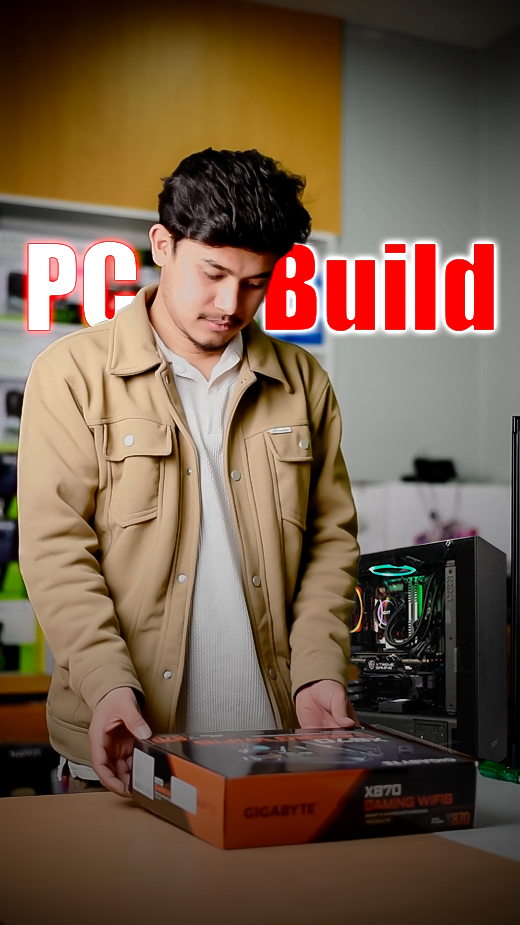
Whether you’re a gamer, streamer, content creator, or someone who simply wants a better-performing PC, having the right components on your PC can make all the difference. And if you’ve ever thought of getting a custom PC built that actually fits your needs, knowing what parts to choose is the most important step. And that’s where we come in to guide you through building your dream PC.
What is a Custom PC?
A custom PC is a computer built by individually selecting every component such as CPU, Graphics Card, RAM, SSD, Motherboard, etc., designed to meet some specific needs. Unlike pre-build systems, a custom PC gives you full control over performance, features, and future upgrades.
Why Build a Custom PC?
The primary reason to build a custom PC is the control you get over every aspect of your machine. You can ensure that you get maximum performance from your investment. Choosing the parts by yourself also gives you the personal satisfaction and aesthetics of your system that looks and performs exactly how you’ve imagined.
The Core PC Components
Every PC is built around some core components that determine how it performs. Understanding these key components is the first step to pick the right parts based on your needs.
Processor (CPU)
The CPU is the brain of your PC that handles and executes instructions from running your Operating System to calculating complex game physics.
Graphics Card
If you’re primarily gaming, video editing or doing 3D work, the GPU is the most critical component. It is dedicated to rendering everything visual on your screen. Some CPUs have integrated graphics cards, but for high quality gaming or editing, a dedicated GPU is a must.
Memory (RAM)
It is one the key components of a PC that temporarily stores data that your CPU needs quick access to. More RAM allows you to smoothly run multiple applications, browsing and gaming simultaneously. Nowadays, DDR5 RAMs are the standard for mid to high end builds as they offer higher base speeds and bandwidth. However DDR4 RAMs still remain a cost-effective option that deliver excellent performance, especially for budget or mid-range builds.
Storage (SSD & HDD)
The choice on your storage device drastically impacts your system’s responsiveness. While HDDs are best for cost-effectiveness with high capacity storage, SSDs are practically non-negotiable for high performance and faster processing speeds. NVMe M.2 SSDs are the fastest consumer standard for storage in good PC builds.
Motherboard
The motherboard connects all your components and determines their compatibility. It determines the type of CPU, RAM and GPU that you can use. Motherboards also include features like Wi-Fi, Bluetooth, USB and other ports. So choosing the right motherboard is essential to set a base for your build.
Power Supply Unit (PSU)
Never underestimate the PSU when building a PC. A high quality Unit provides clean, stable power to all components and protects them from any electrical damage. While choosing a Power Unit, look for good brands with 80+ efficiency rating and enough Wattage to support your build and leave some room for future upgrades.
Case and Cooling System:
The case encloses and protects all your components. Beyond aesthetics, a good case should provide excellent airflow with mesh panels and fan mounts to keep temperatures low. Instead of just Air coolers, high performing PCs might also require modern Liquid cooling systems to transfer heat away from the CPU.
Choosing the Right Parts for You
Now that you know the roles of each component, choosing the right ones actually depends on your primary use case, future plans and budget. It is not just about finding the “best” parts and more about finding the right balance for your use.
You can start by defining your primary task. Is it high-FPS gaming, Video Editing, 3D Modelling and Animation, Content Creation, or Versatile All-Rounder Task? A gaming focused build should prioritize the GPU, while a video editing PC needs powerful CPU, SSD and more RAM.
Common Mistakes to Avoid
Even with the right parts available, it is possible to make simple mistakes and oversights that can ruin the experience and turn it into a headache. Here are some common ones to avoid:
- Ignoring the compatibility of different components: Make sure that your CPU fits the motherboard, the RAM you’re using is of correct generation for the motherboard and your components actually fit within your chosen Casing.
- Making the Build Unbalanced: It is one of the most common mistakes done in custom PC builds. Pairing an Ultra powerful GPU with a budget CPU or vice versa means it’ll cause a bottleneck and you might not get the performance as expected.
- Forgetting about Cooling and Airflow: High performance CPU or GPU will throttle if it gets too hot. You must absolutely ensure that the case has good airflow and have an adequate cooling system if required.
- Buying too many extras: RGB lights, fancy fans and accessories might look fun at first, but don’t over-spend on these at the cost of core performance of your setup.
- Ignoring Power Supply: Most people underestimate the value of a good quality power supply just to include slightly higher model CPU or GPUs. A cheap and insufficient power supply can lead to frequent crashes or even damage other components.
By keeping these in mind, you can save yourself some money, time and frustration, and make sure your PC runs exactly how you want it.
Is Building a Custom PC Worth It?
Absolutely worth it! Building a custom PC might sound intimidating at first, but the benefits it offers and the value you get are hard to ignore. If your goal is to get the absolute best performance for your budget, getting a system that perfectly matches your specific needs and can be upgraded easily for years to come is a very rewarding and worthwhile investment. In doing so, you’ll also gain good knowledge of your PC system and the pride of creation.
Conclusion
Building a custom PC might seem like a puzzle at first, but as we’ve explored, after understanding a set of core components and how they fit together, it becomes a much more simple and enjoyable experience. Knowing how each choice you make crafts a machine that is unique to your unique purpose – whether that’s for smooth gaming, creating stunning content, or simply enjoying a seamless and responsive computing experience.
So, if you’ve ever thought about building your own custom PC, now is the perfect time to start. Use this guide as your roadmap, define your budget, prioritize your needs and start creating a PC that suits your needs. If you need any further guidance then do visit our store or checkout some builds on our site that you can customize according to your needs.
Related Blogs
MacBook Air M5: Apple’s Most Popular Macbook Gets a Big Upgrade
13th March, 2026
iPhone 17e: Apple’s Most Affordable A19-Powered iPhone Yet
11th March, 2026
Everything you need to know about Samsung S26 Series
10th March, 2026
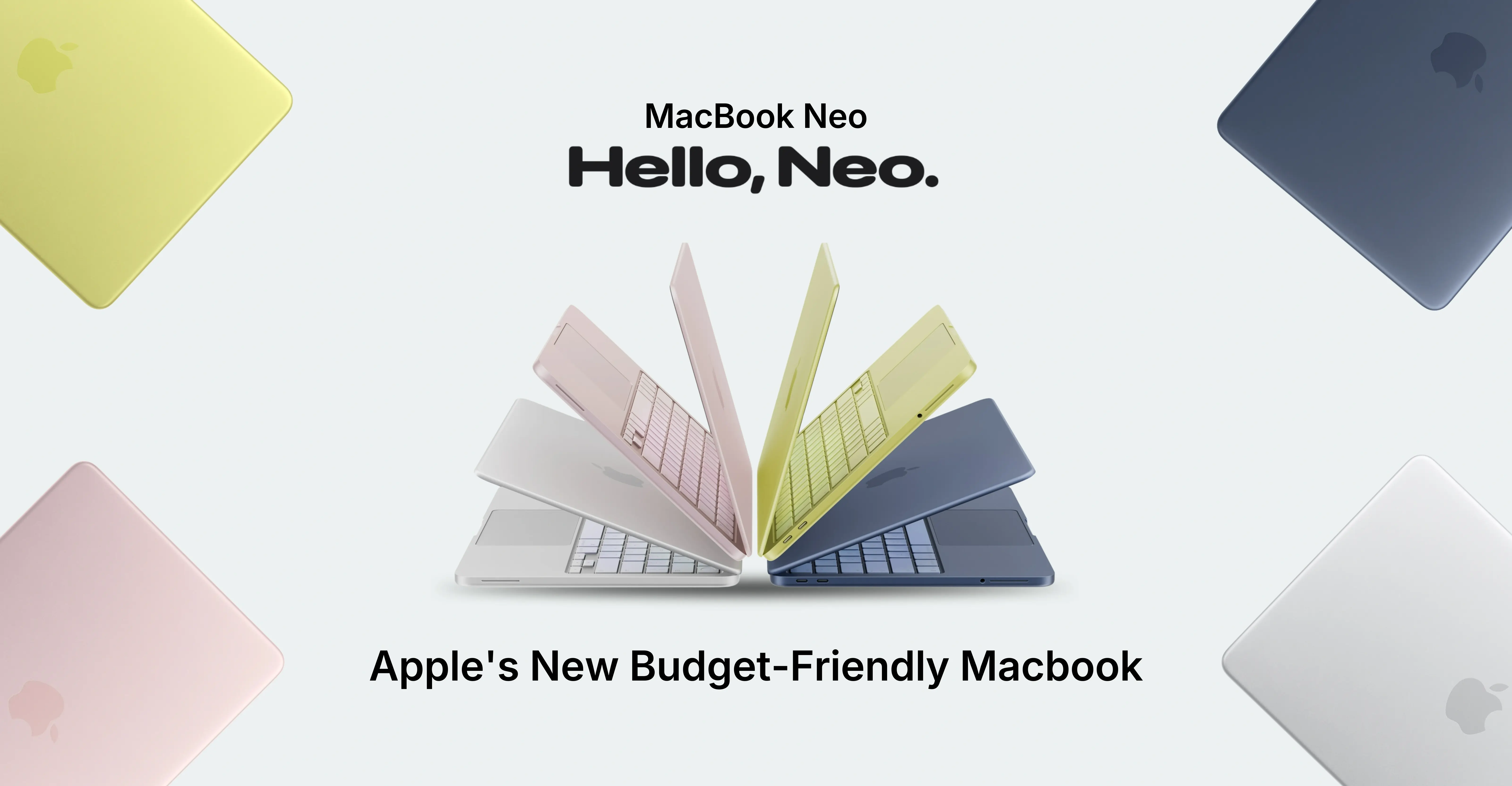
MacBook Neo: The Perfect Balance Between Power and Price
9th March, 2026

Detailed Guide On Earbuds, Explore, Choose and Buy
26th February, 2026

From Budget to Flagship: Best Smartphones to Buy in Nepal
10th February, 2026
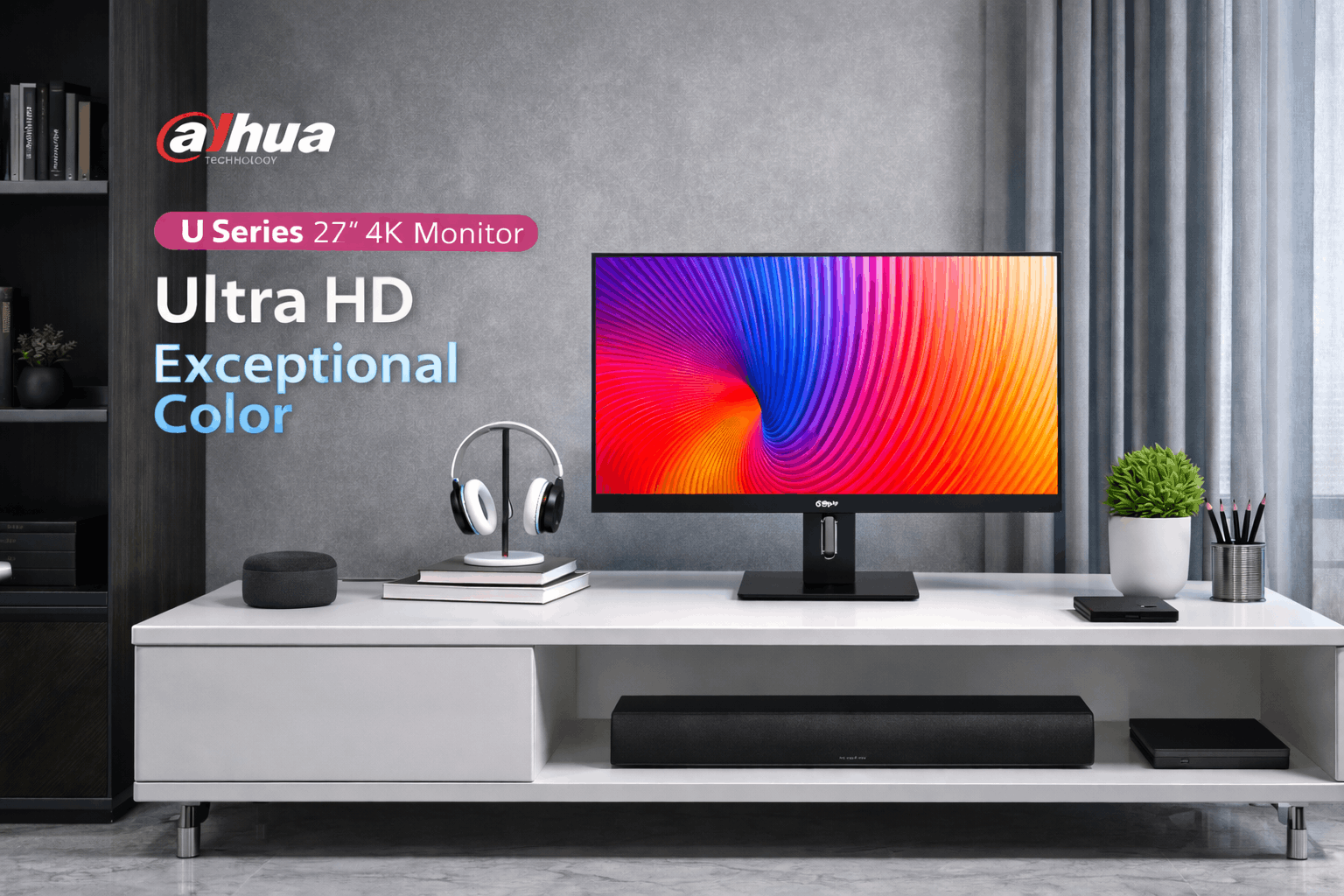
Dahua LM27 U401A Review
6th February, 2026
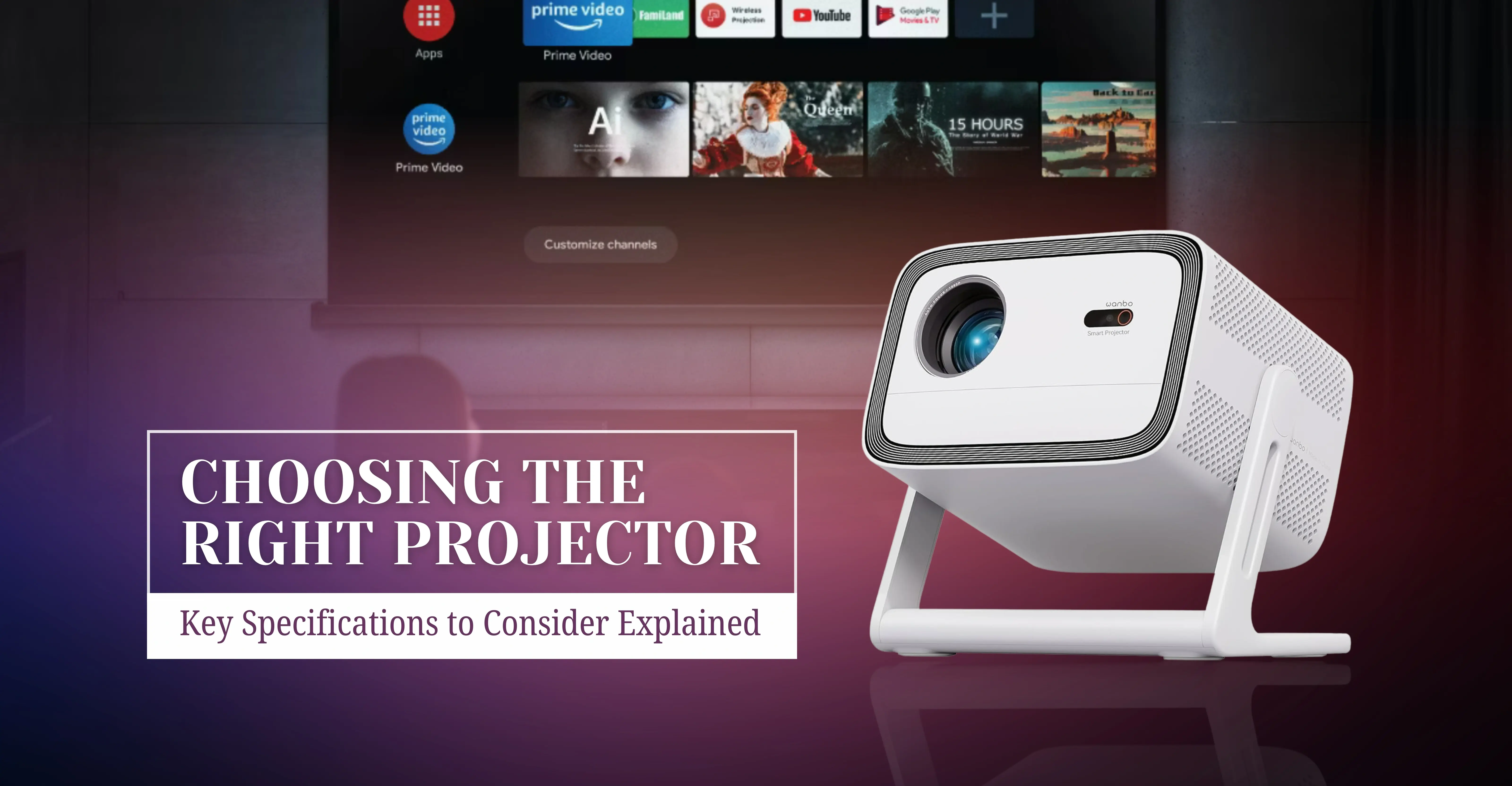
Projectors are More Popular than Ever Now – Here’s Why
4th February, 2026

iPhone 18 - Expected Launch Date in Nepal & full Specs
2nd February, 2026