Best Laptop For Editing
The best laptop for editing in Nepal 2026 should deliver powerful performance, accurate display quality, fast storage, and smooth multitasking for video editing, photo editing, graphic design, animation, and content creation. A good editing laptop should include a powerful processor, higher RAM, SSD storage, and dedicated graphics to handle demanding software like Premiere Pro, Photoshop, After Effects, and DaVinci Resolve. Explore the latest laptop for video editing in Nepal with the right balance of performance, portability, and value for professional creators and editors.
6% OFF
(Be First to review)
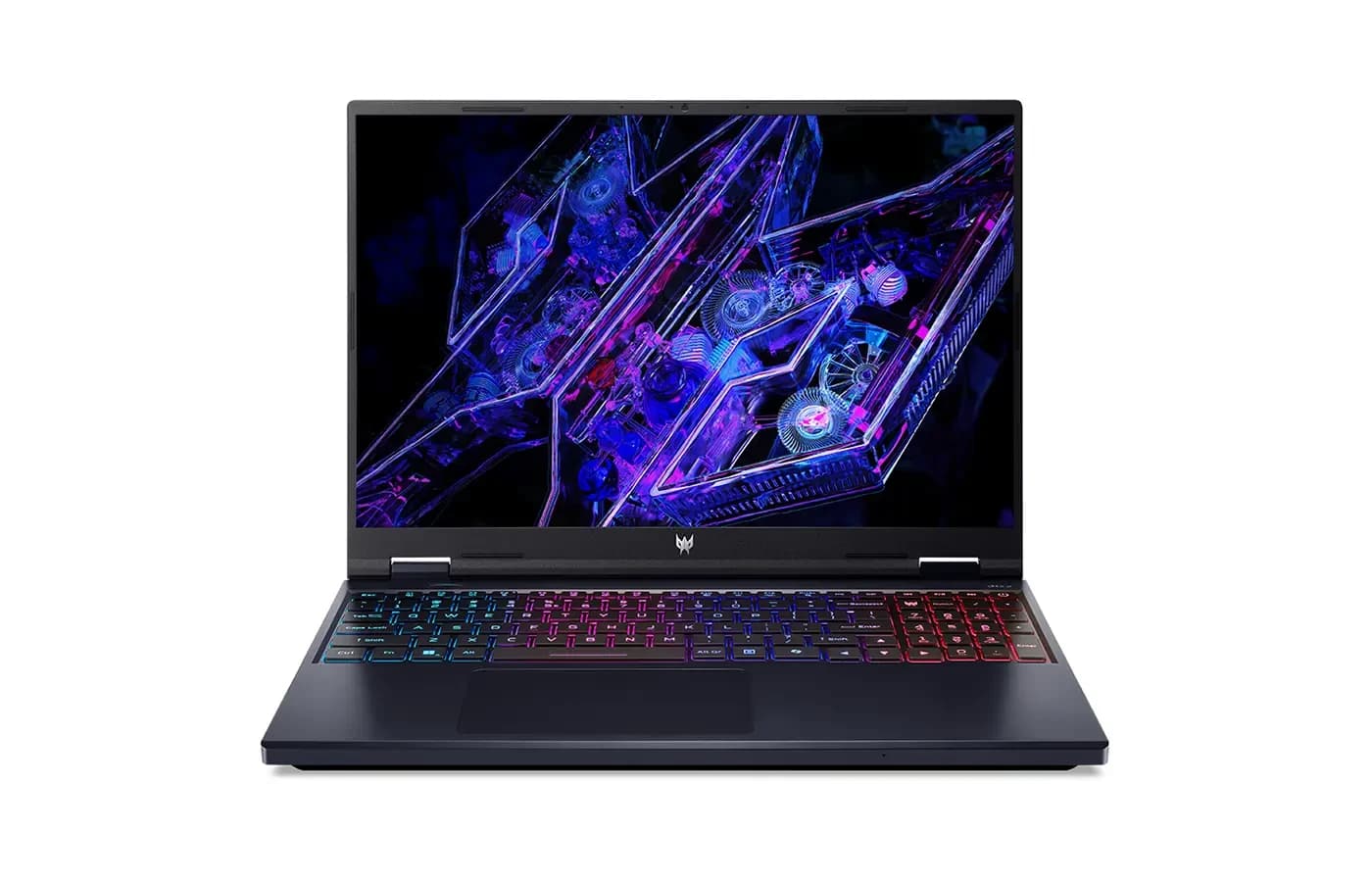
Acer Predator Helios Neo 16S AI | Intel Core Ultra 9 275HX | 16GB RAM | 1TB SSD | NVIDIA GeForce RTX 5060 8GB Graphics | 16-inch WQXGA OLED 240Hz Display | RGB Backlit Keyboard | 1-Year Warranty
Acer Predator Helios Neo 16S AI Ultra 9 RTX 5060 Price in NepalRs. 289,999
Rs. 309,999
4% OFF
(Be First to review)
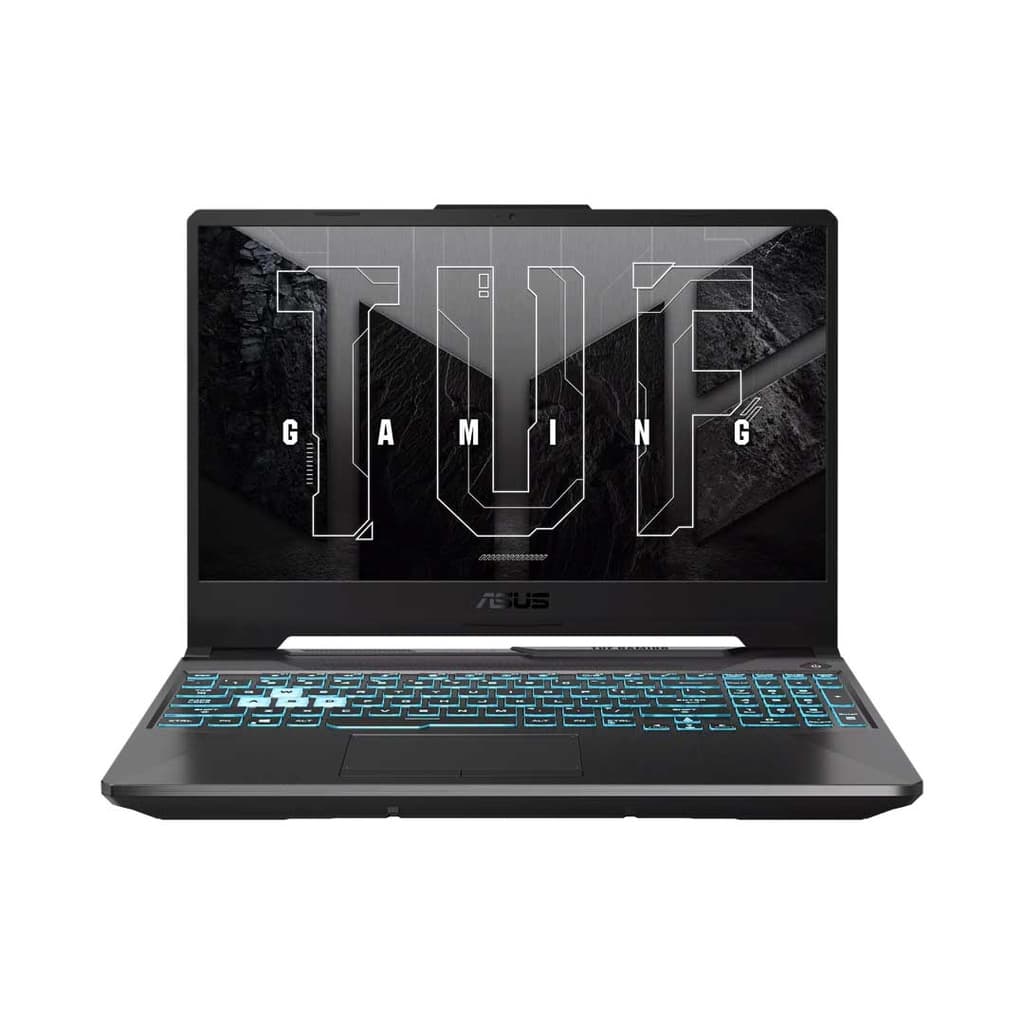
ASUS TUF Gaming A15 FA506NCQ Gaming Laptop | AMD Ryzen 7 170 | RTX 3050 4GB | 16GB DDR5 | 512GB PCIe 4.0 SSD | 15.6″ FHD+ 144Hz IPS Display | Windows 11 Home | 2 Years Warranty & 1 Year ASUS Perfect Warranty
ASUS TUF Gaming A15 Ryzen 7 170 Price in NepalRs. 169,999
Rs. 177,999
21% OFF
(Be First to review)
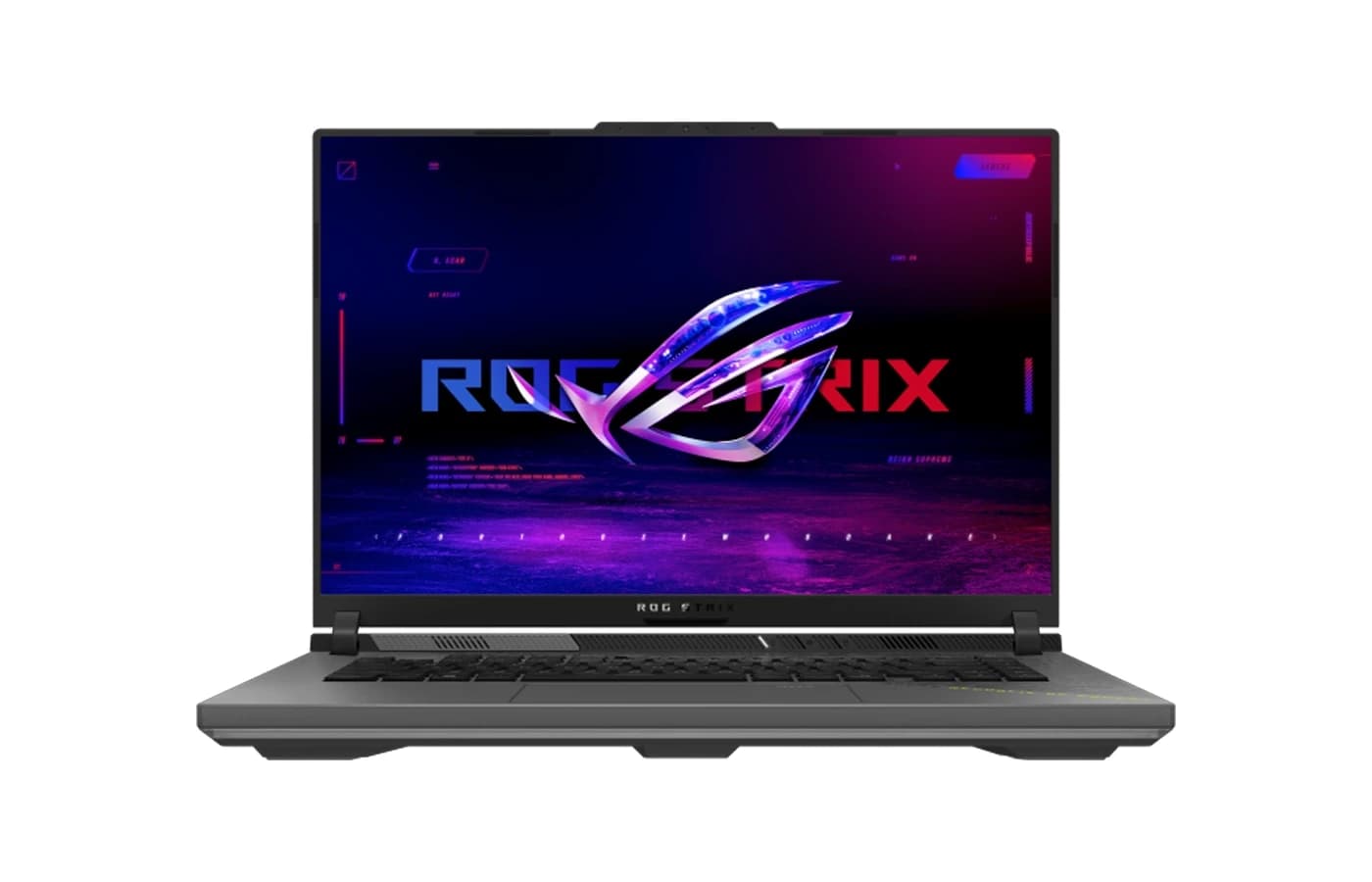
ASUS ROG Strix G16 G614PM Gaming Laptop | AMD Ryzen 9 8940HX | 16GB DDR5 | 1TB NVMe SSD | NVIDIA GeForce RTX 5060 8GB | 16″ 2.5K (2560×1600) 240Hz | Windows 11 Home | 2 Years Warranty + 1 Year ASUS Perfect Warranty | Eclipse Gray
ASUS ROG Strix G16 G614PM Price in NepalRs. 328,999
Rs. 417,999
3% OFF
(Be First to review)
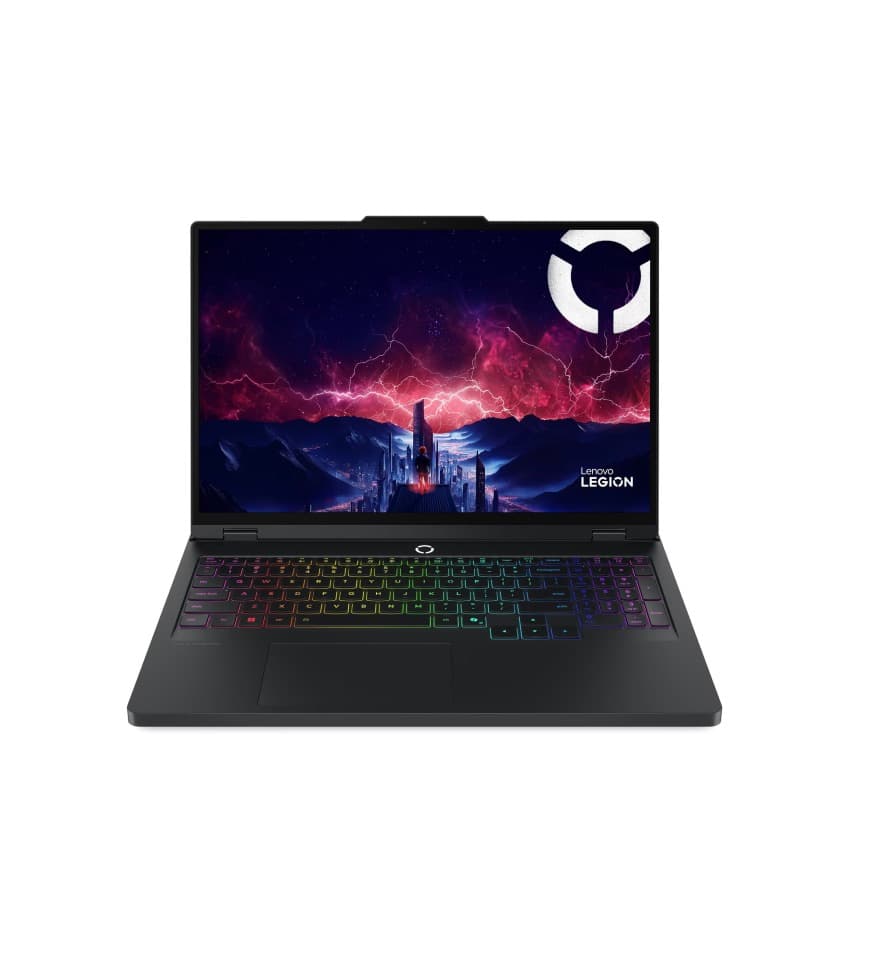
Lenovo Legion Pro 5 16ADR10 2025 | AMD Ryzen 7 8745HX | RTX 5060 8GB | 24GB DDR5 | 1TB SSD | 16" WQXGA OLED 165Hz | Windows 11 | 2 Year warranty
Lenovo Legion Pro 5 16ADR10 2025Rs. 424,899
Rs. 439,999
4% OFF
(Be First to review)
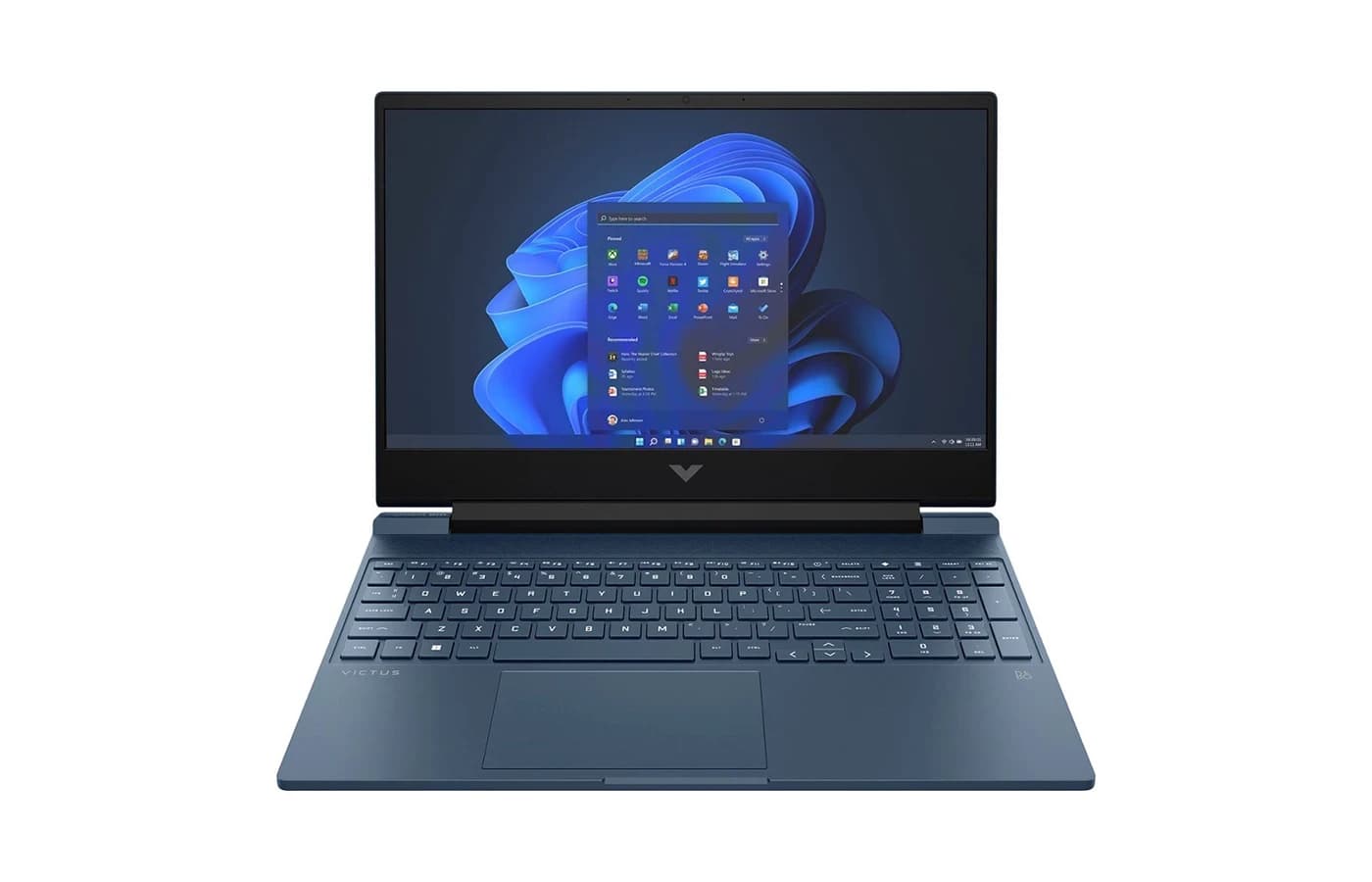
HP Victus 15 | Intel Core i5-13420H | 16GB RAM | 512GB SSD | NVIDIA GeForce RTX 4050 6GB Graphics | 15.6" FHD (1920 x 1080) 144Hz Display | Backlit Keyboard | Windows 11
HP Victus 15 | Intel Core i5-13420HRs. 157,999
Rs. 164,999
2% OFF
(Be First to review)
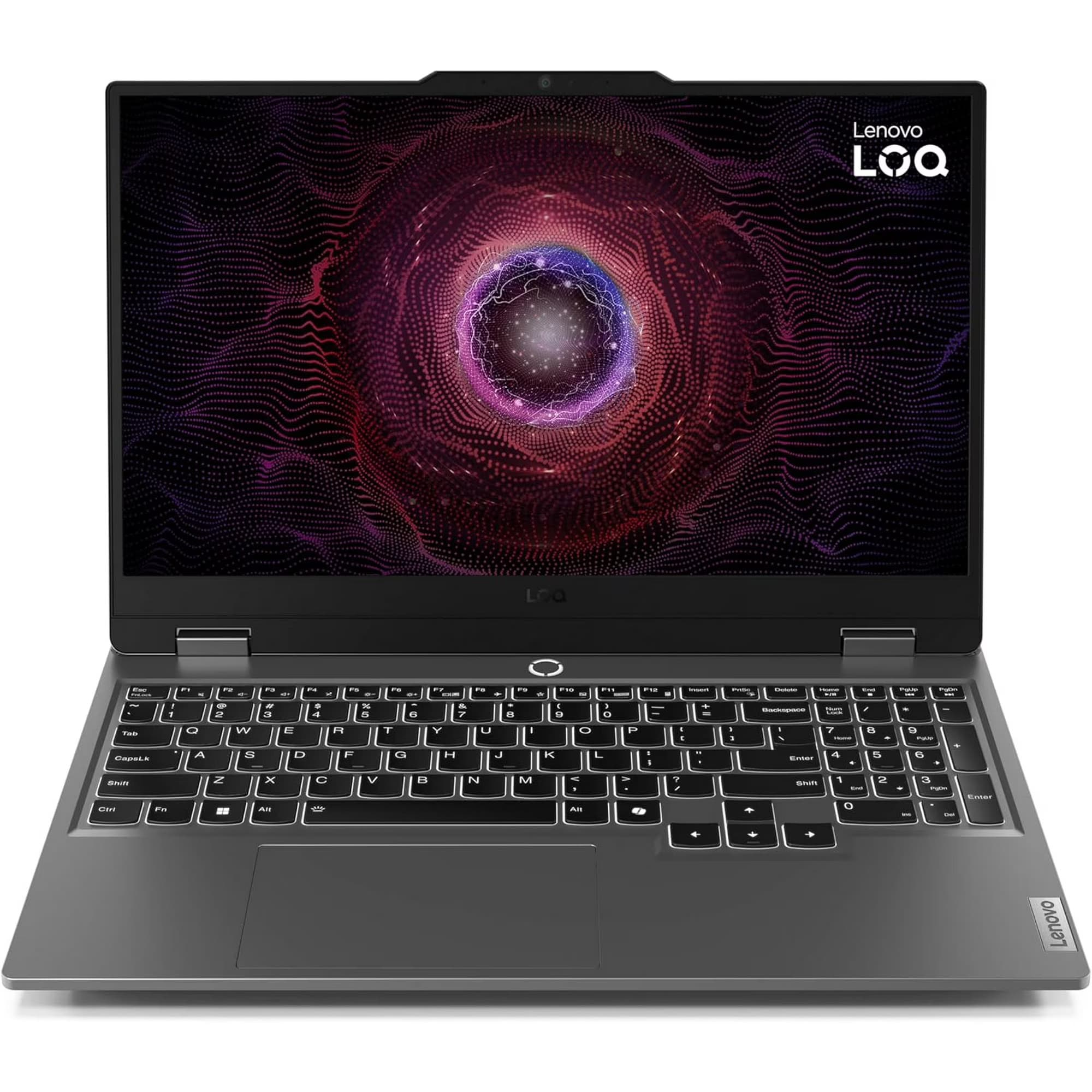
Lenovo LOQ 15AHP10 | AMD Ryzen 7 250 Processor | 16GB RAM | 512GB SSD | 15.6-Inch FHD (1920×1080) 144Hz Display | NVIDIA GeForce RTX 5060 8GB Graphics | Backlit Keyboard | Windows 11 Home
Lenovo LOQ 15AHP10 RTX 5060 8GBRs. 224,999
Rs. 229,999
(Be First to review)
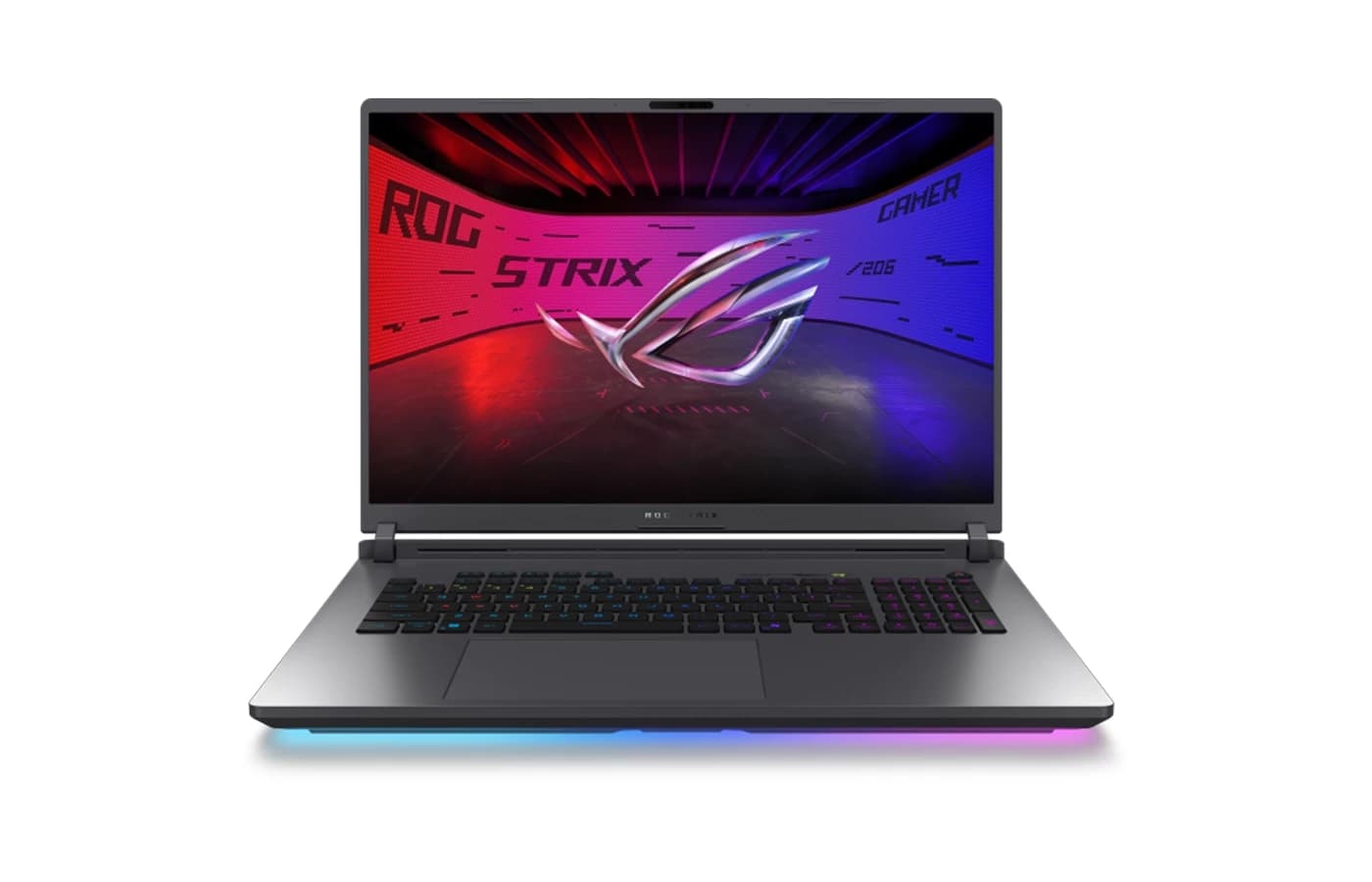
ASUS ROG Strix G18 G815JMR | Intel Core i9 14900HX Processor | NVIDIA GeForce RTX 5060 (8GB) Graphics | 32GB RAM | 2TB SSD | 18″ 2.5K WQXGA 240Hz IPS Display | RGB Backlit Keyboard
ASUS ROG Strix G18 G815JMRRs. 488,899
3% OFF
(Be First to review)
Acer Predator Helios Neo 16S AI | Intel Core Ultra 9 275HX Processor | 16GB RAM | 1TB SSD | NVIDIA® GeForce RTX™ 5060 8GB GPU | 16" OLED WQXGA 240Hz Display | RGB Backlit Keyboard
Acer Predator Helios Neo 16S AI Price in NepalRs. 307,999
Rs. 317,999
5% OFF
(Be First to review)
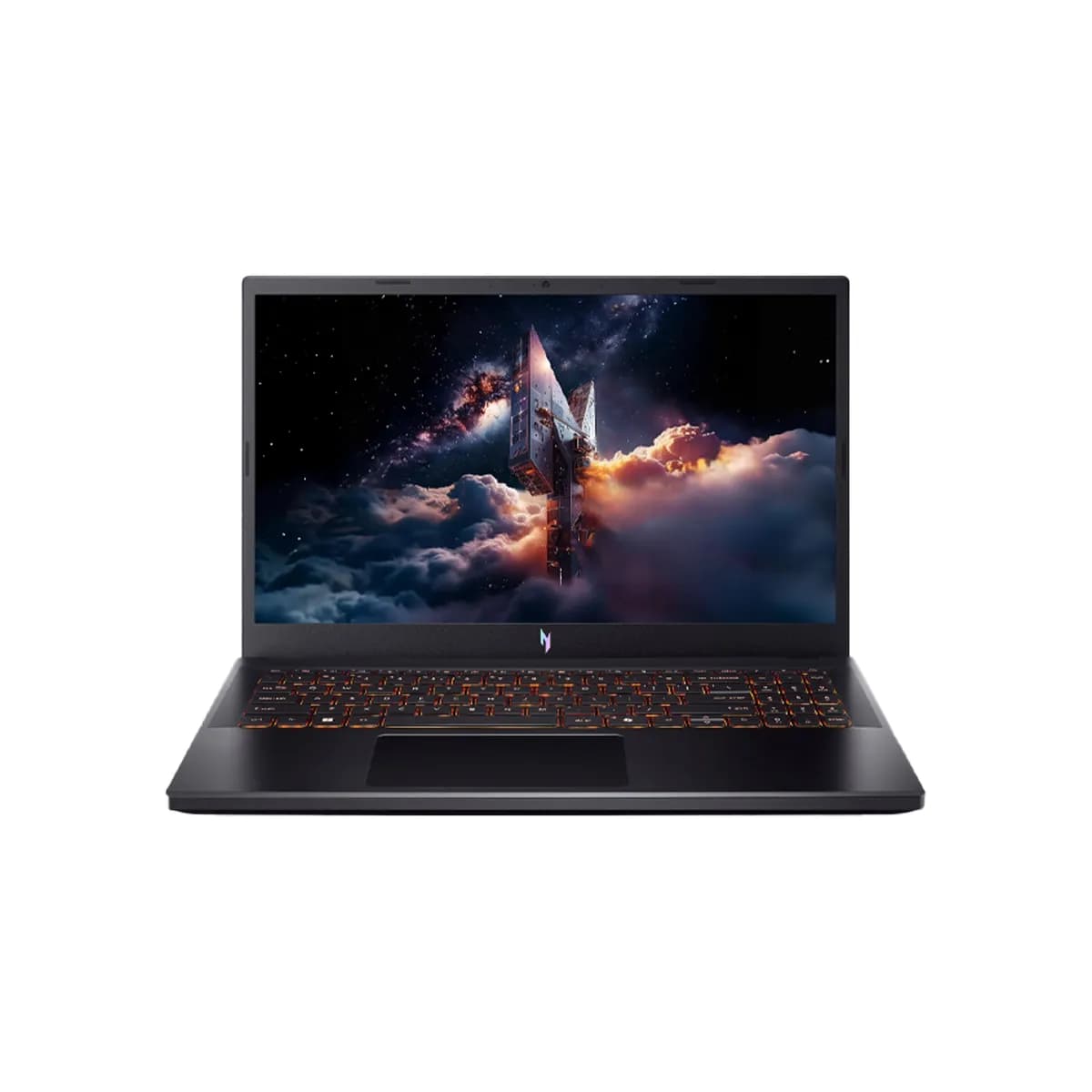
Acer Nitro V15 ANV15-52 Gaming Laptop | Intel Core 5 210H Processor | 16GB DDR5 RAM | 512GB NVMe SSD | NVIDIA GeForce RTX 5050 8GB Graphics | 15.6-inch FHD IPS 165Hz Display | Windows 11 Home
Acer Nitro V15 RTX 5050 Price in NepalRs. 175,999
Rs. 184,999
Sold Out
10% OFF
(Be First to review)
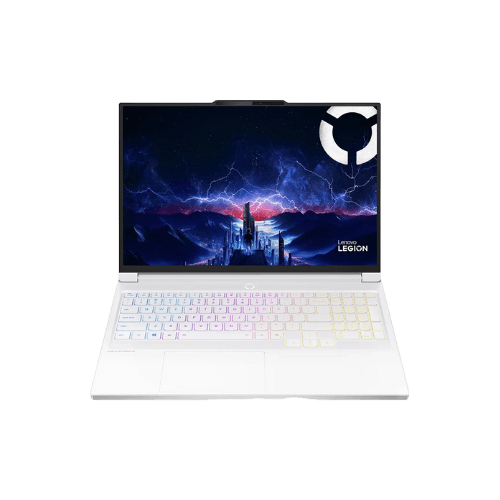
Lenovo Legion 7i | Intel Core Ultra 7 255HX | 16-inch 2.5K 165Hz OLED Display | 32GB DDR5 RAM | 1TB SSD | NVIDIA RTX 5060 8GB | RGB Backlit Keyboard | Windows 11 Home
Lenovo Legion 7i Price in NepalRs. 329,999
Rs. 364,999
Sold Out
7% OFF
(Be First to review)
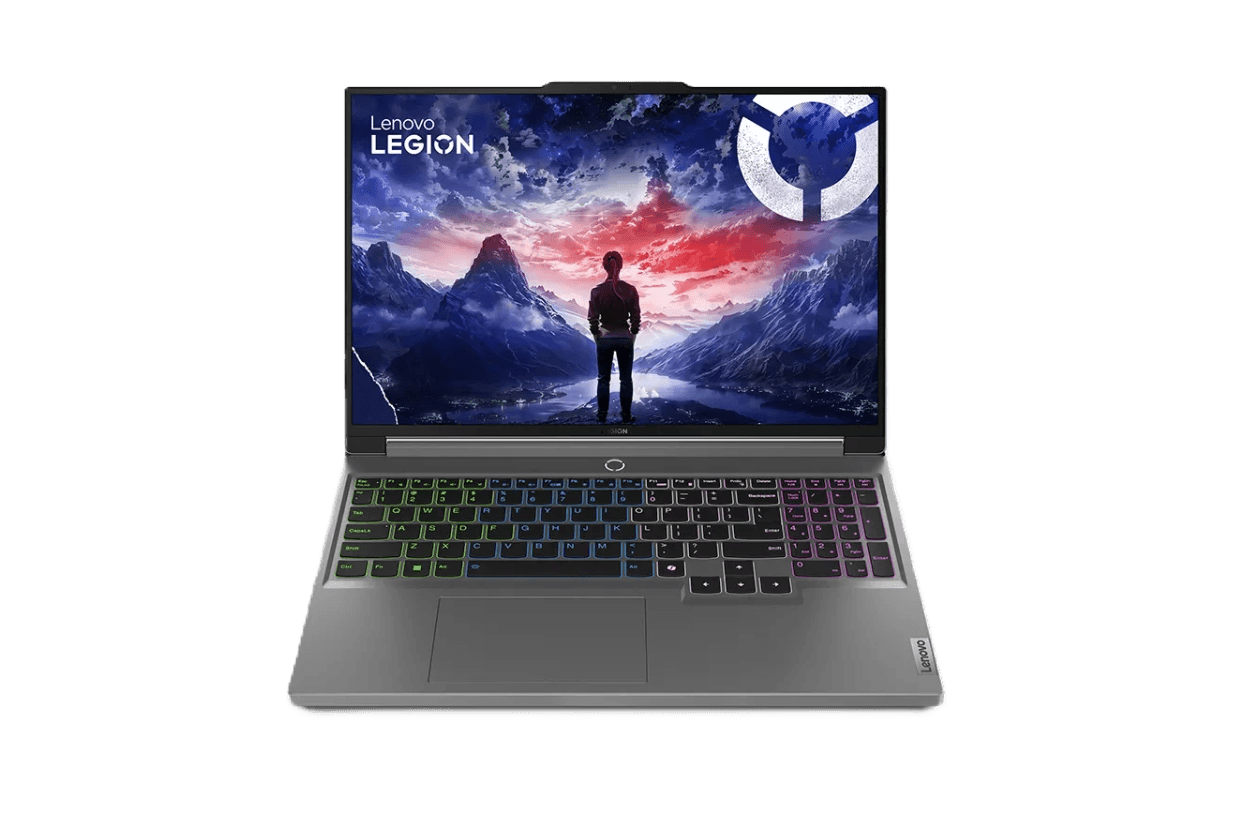
Lenovo Legion 5i 16IAX10 | Intel Core Ultra 9 275HX Processor | 16GB | 32GB RAM | 1TB SSD | 16″ WQXGA 240Hz IPS Display | RTX 5060 8GB Graphics | 24-Zone RGB Keyboard | Windows 11 Home
Lenovo Legion 5i Price in NepalRs. 269,999
Rs. 289,999
Sold Out
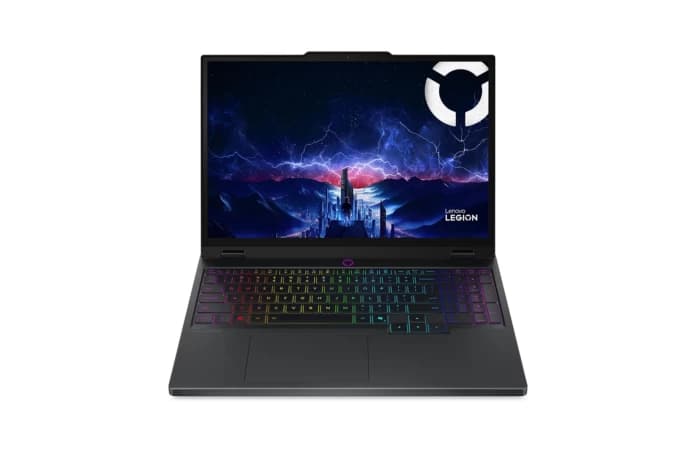
4% OFF
(Be First to review)
Lenovo Legion 5 2025 15AHP10 | AMD Ryzen 7 260 Processor | 15.1″ WUXGA (2560 × 1600) 165Hz Display | 16GB RAM | 512GB Gen4 SSD | NVIDIA GeForce RTX 5060 8GB Graphics | 24-Zone RGB Backlit Keyboard
Lenovo Legion 5 2025 15AHP10Rs. 238,999
Rs. 248,999
Sold Out
The creative industry in Nepal is booming. From the bustling streets of Kathmandu to the serene hills of Pokhara, a new generation of YouTubers, filmmakers, graphic designers, and photographers is emerging. Whether you are a student learning the ropes of Adobe Premiere Pro, a freelance video editor working on corporate projects, or a professional colorist using DaVinci Resolve, one question remains constant: Which is the best laptop for editing in Nepal in 2026?
Choosing the right laptop for editing is not just about picking the most expensive one. It's about finding the perfect balance of performance, display quality, portability, and budget. It's about ensuring your laptop can handle demanding software like Photoshop, After Effects, or Blender without crashing during an important export. It is also about practical concerns like warranty availability and after-sales support in Nepal.
Best Editing Laptops in Nepal 2026 (Price List)
Choosing the best editing laptop in Nepal 2026 depends on your editing workload, budget, and performance requirements. Whether you need a laptop for video editing, photo editing, graphic design, animation, or professional content creation, a powerful processor, sufficient RAM, fast SSD storage, dedicated graphics, and a color-accurate display are important for smooth performance. The following price list includes some of the best editing laptops available in Nepal for beginners, creators, and professionals.
Top 5 Best Editing Laptops in Nepal 2026
We have curated the top 5 best editing laptops in Nepal 2026 for different types of creators, editors, and professionals. These laptops are selected based on processor performance, RAM, graphics power, display quality, battery life, and overall value for tasks like video editing, photo editing, graphic design, animation, and content creation.
1. Apple MacBook Pro M5 Pro
The Apple MacBook Pro M5 Pro is a premium professional editing laptop designed for creators who need extreme performance for 8K video editing, 3D rendering, animation, and complex creative workflows. Powered by the advanced M5 Pro chip, it delivers exceptional CPU and GPU performance with a stunning 16.2-inch Liquid Retina XDR display for accurate color grading and professional editing.
With powerful memory options, fast SSD storage, excellent battery life, and a premium build, the MacBook Pro M5 Pro is ideal for professional editors, filmmakers, and content creators. Although it comes at a higher price, its performance, reliability, and display quality make it one of the best laptops for high-end editing in Nepal.
2. ASUS ROG Zephyrus
The ASUS ROG Zephyrus is a premium Windows creator laptop that combines powerful performance, portability, and an exceptional OLED display. Equipped with an Intel Core Ultra 9 processor and NVIDIA RTX 4070 GPU, it is designed to handle demanding tasks like 4K video editing, 3D rendering, AI workloads, and professional creative applications.
With a 16-inch OLED display, 100% DCI-P3 color accuracy, fast SSD storage, and premium design, the ROG Zephyrus is an excellent choice for content creators, video editors, and professionals who need high performance in a portable laptop. Its premium price and non-upgradable RAM are the main limitations, but it remains one of the best Windows laptops for editing.
3. Lenovo Legion Pro
The Lenovo Legion Pro is a high-performance editing laptop built for professionals who need powerful hardware for 4K/8K video editing, rendering, 3D work, and demanding creative applications. Powered by an Intel Core Ultra 9 processor and NVIDIA RTX 5070 GPU, it delivers exceptional speed and smooth performance for heavy workloads.
With a 16-inch OLED display, 100% DCI-P3 color accuracy, fast SSD storage, and upgradeable hardware, the Legion Pro 5 is an excellent choice for video editors, designers, and power users. Although it is heavier and less portable than ultrabooks, its extreme performance makes it a reliable workstation for professional editing.
4. ASUS ROG Strix G16
The ASUS ROG Strix is a high-performance laptop designed for both gamers and creators who need strong power for 4K video editing, rendering, and demanding creative workloads. Powered by an Intel Core i9 processor and NVIDIA RTX 4060 GPU, it delivers fast rendering speeds and smooth performance for professional editing software.
Featuring a 16-inch QHD+ display with 100% DCI-P3 color accuracy, fast SSD storage, and powerful hardware, the ROG Strix is a great choice for video editors and content creators looking for high performance at a competitive value. Its gaming-focused design and lower battery life are the main drawbacks, but it remains a capable editing machine.
5. ASUS TUF Gaming
The ASUS TUF Gaming is a budget-friendly editing laptop that offers strong performance, durability, and value for students, beginners, and content creators. Powered by an AMD Ryzen 7 processor and NVIDIA RTX 4050 GPU, it can smoothly handle 1080p video editing, Photoshop, Premiere Pro, graphic design, and multitasking.
With a 16-inch high-refresh-rate display, 16GB RAM, fast SSD storage, and durable build quality, the ASUS TUF Gaming is a reliable choice for users looking for an affordable editing laptop. While battery life is average, its performance and cooling system make it one of the best value options for entry-level creators.
Best Editing Laptop by Budget in Nepal 2026
Choosing the best editing laptop in Nepal 2026 depends on your budget, editing requirements, and performance needs. Whether you are a student, YouTuber, freelancer, graphic designer, or professional video editor, selecting the right combination of processor, RAM, GPU, storage, and display is important for smooth editing performance.
From budget editing laptops for beginners to high-end professional machines for 4K/8K video editing and 3D rendering, Nepal's laptop market offers options for every type of creator. A balanced laptop with a powerful processor, dedicated graphics, SSD storage, and a color-accurate display can provide faster workflow and better editing experience.
Best Editing Laptop Under Rs. 100000 Nepal
Customers in this budget usually need a laptop for:
- Learning video editing
- Photoshop
- Canva design
- Social media content
- Basic YouTube editing
Recommended specifications:
- Intel Core i5 12th/13th Gen
- AMD Ryzen 5
- 16GB RAM
- 512GB SSD
Avoid buying:
- 8GB RAM laptops
- HDD storage
- Celeron/Pentium processors
These laptops may work initially but will struggle with modern editing applications.
Best Editing Laptop Under Rs. 150000 Nepal
This is the most common budget among Nepalese customers.
Suitable for:
- YouTubers
- Freelancers
- Students
- Graphic designers
Recommended features:
- Intel Core i5/i7 H-series processor
- RTX 3050/4050 graphics
- 16GB RAM
- Fast NVMe SSD
Popular choices:
Lenovo LOQ Series
Lenovo LOQ is Good for customers who want:
- Strong performance
- Dedicated NVIDIA GPU
- Better cooling
- Good value for money
ASUS Vivobook Pro Series
Suitable for:
- Designers
- Video editors
- Content creators
Best Editing Laptop Under Rs. 200000 Nepal
For customers doing serious editing work, this budget provides better performance.
Recommended specifications:
- Intel Core i7 / Ryzen 7
- RTX 4060 GPU
- 16GB-32GB RAM
- 1TB SSD preferred
Suitable for:
- Premiere Pro
- DaVinci Resolve
- After Effects
- 4K editing
Popular options:
- Lenovo Legion
- ASUS ROG
- Acer Predator
- HP Omen
Best Premium Editing Laptop in Nepal 2026
Premium customers usually need:
- Faster rendering
- Professional display
- Better build quality
- Longer lifespan
Recommended:
MacBook Pro M4 Pro
Advantages:
- Excellent battery life
- Powerful video processing
- Premium display
- Silent operation
Best for:
- Professional editors
- Film creators
- Creative professionals
MacBook vs Windows Laptop: Customer Perspective
One of the biggest questions among editing laptop buyers in Nepal is: "Should I buy a MacBook or Windows laptop for editing?" Both options provide excellent performance, but the better choice depends on your editing requirements, budget, and workflow.
MacBook Advantages
- Excellent performance optimization with Apple Silicon chips
- Longer battery life and better power efficiency
- Premium Retina/XDR displays with accurate colors
- Smooth performance for video editing and creative software
- Best choice for Final Cut Pro users
- Premium build quality and long-term software support
Windows Laptop Advantages
- Powerful CPU and NVIDIA RTX GPU options
- Better performance for heavy rendering and 3D workloads
- More laptop choices across different budgets
- Better gaming performance
- Wider software compatibility
- More upgrade options for RAM and storage
Which One Should You Choose?
- Choose MacBook for portability, battery life, professional editing, and Apple ecosystem features.
- Choose Windows Laptop for high-performance editing, gaming, 3D work, and better hardware flexibility.
Minimum Laptop Requirements for Editing Software in 2026
Before buying an editing laptop in Nepal, understanding the hardware requirements of your editing software is essential. Different applications require different levels of performance, so a laptop suitable for basic photo editing may not handle professional video editing, 3D rendering, or advanced motion graphics smoothly.
Adobe Photoshop Requirements
Adobe Photoshop is popular among graphic designers, photographers, and content creators. A laptop with a strong processor, 16GB RAM, SSD storage, dedicated graphics, and a color-accurate display is recommended for smooth image editing and handling large RAW files.
Adobe Illustrator Requirements
Adobe Illustrator mainly depends on CPU performance, RAM, and display quality. For professional graphic design work, choose a laptop with a modern processor, 16GB–32GB RAM, fast SSD storage, and a display with good color accuracy.
Adobe Premiere Pro Requirements
Adobe Premiere Pro requires higher performance for video editing, especially for 4K projects and advanced effects. A powerful processor, 32GB RAM, dedicated RTX graphics, fast SSD storage, and a high-quality display are recommended for smooth timeline editing and faster rendering.
DaVinci Resolve Requirements
DaVinci Resolve depends heavily on GPU performance for editing and color grading. A laptop with a powerful NVIDIA RTX GPU, sufficient VRAM, 32GB RAM, and fast SSD storage is ideal for professional video editors and colorists.
After Effects Requirements
Adobe After Effects requires strong CPU performance and high RAM capacity for motion graphics, visual effects, and animation. Professionals should consider laptops with Core i7/i9 or Ryzen 7/9 processors, 32GB RAM or higher, and dedicated graphics for better performance.
Blender Requirements
Blender benefits from powerful graphics performance for 3D modeling, rendering, and animation. A laptop with a high-performance processor, RTX graphics, 32GB RAM, and fast SSD storage is recommended for creators working on advanced 3D projects.
Recommended Laptop Specifications for Editing in 2026
Choosing the right editing laptop specifications depends on your editing level, software requirements, and workload. Beginners can start with balanced hardware, while professional editors working with 4K/8K videos require powerful processors, higher RAM, dedicated GPUs, and faster storage for smooth performance.
Beginner Editors
- CPU: Intel Core i5 / AMD Ryzen 5
- RAM: 16GB
- GPU: RTX 3050 / RTX 4050
- Storage: 512GB SSD
- Display: 15.6" FHD IPS
Intermediate Editors
- CPU: Intel Core i7 / AMD Ryzen 7
- RAM: 16GB - 32GB
- GPU: RTX 4060
- Storage: 512GB - 1TB SSD
- Display: 16" QHD IPS or OLED
Professional Editors
- CPU: Intel Core i9 / AMD Ryzen 9 or M5 Pro
- RAM: 32GB+
- GPU: RTX 4070+ / M5 Pro
- Storage: 1TB+ SSD
- Display: 16" 4K/OLED or Mini-LED
4K Editors
- CPU: Intel Core i9 / AMD Ryzen 9
- RAM: 32GB
- GPU: RTX 4060+
- Storage: 1TB SSD
8K Editors
- CPU: Intel Core i9 / AMD Ryzen 9
- RAM: 64GB+
- GPU: RTX 4080+
- Storage: 2TB+ SSD
Where to Buy Editing Laptop in Nepal?
Buying an editing laptop in Nepal is a long-term investment, so choosing a trusted laptop store is as important as selecting the right specifications. Customers should always check product authenticity, warranty coverage, and after-sales support before making a purchase.
A trusted laptop store should provide:
- Genuine laptops from trusted brands
- Official warranty support
- VAT billing and product authenticity
- Reliable after-sales service
- Repair and technical support
- Competitive laptop price in Nepal
- EMI facilities on selected models
- Customer reviews and trusted reputation
Zolpa Store is one of the trusted laptop stores in Nepal, offering genuine laptops for video editing, graphic design, content creation, gaming, students and professional work. Customers can explore laptops from various leading brands with warranty support, competitive pricing, and reliable service. Although Zolpa Store is located in Putalisadak, Kathmandu, it provides delivery services across Nepal, making it easier for customers nationwide to purchase their ideal editing laptop.
Frequently Asked Questions (FAQ)
1. Which laptop is best for video editing in Nepal?
The best laptop for video editing in Nepal depends on your budget. For professionals, MacBook Pro M4 Pro and ASUS ProArt P16 are excellent choices. For affordable editing, Lenovo LOQ RTX 4060 offers great value.
2. Is MacBook good for editing?
Yes, especially the M4 and M5 series. They provide excellent performance and battery life, making them ideal for editing in Final Cut Pro and DaVinci Resolve.
3. Which GPU is best for editing?
For Windows laptops:
- RTX 4050 → Beginner editing
- RTX 4060 → Professional editing
- RTX 4070+ → Heavy workloads
4. How much RAM do I need for editing?
16GB is the minimum for 1080p editing. 32GB or more is recommended for 4K and After Effects
5. Which Processor Is Better for Editing?
For editing, Intel Core i5 / Ryzen 5 is suitable for beginners, Core i7 / Ryzen 7 is recommended for professional editing, and Core i9 / Ryzen 9 is best for high-end 4K/8K editing and heavy creative workloads.
6. Is 16GB RAM Enough for Premiere Pro?
Yes, 16GB RAM is enough for basic Premiere Pro editing and 1080p projects. For professional editing, 4K videos, and heavy effects, 32GB RAM or higher is recommended for smoother performance.
7. Can gaming laptops be used for editing?
Yes, gaming laptops often have powerful CPUs and GPUs, making them great for video editing as well.
8. Should I buy Intel or AMD?
Both are great. AMD Ryzen 7000 series and Intel Core Ultra series are excellent for 2026. Choose based on your budget and specific model reviews.
9. Where can I buy editing laptops in Nepal?
You can buy editing laptops from authorized laptop stores, online retailers, and trusted computer shop like Zolpa Store offering official warranty and after-sales support.